
Logo and safety projection applications
Plan branding, wayfinding and visible operational cues with a logo or gobo projector without treating projection as a substitute for safety controls.
A consolidated planning guide for logo-projector applications, covering the artwork, surface, optical brief, environment, permissions and evidence required before a public claim or installation.
Logo and gobo projectors can place a fixed mark, message, arrow or graphic onto a chosen surface. The application may be branding, event theming, retail communication, wayfinding or a visible operational cue. The projection is only useful when the image is readable in the real environment and the installation is approved for that location.
Use cases to structure
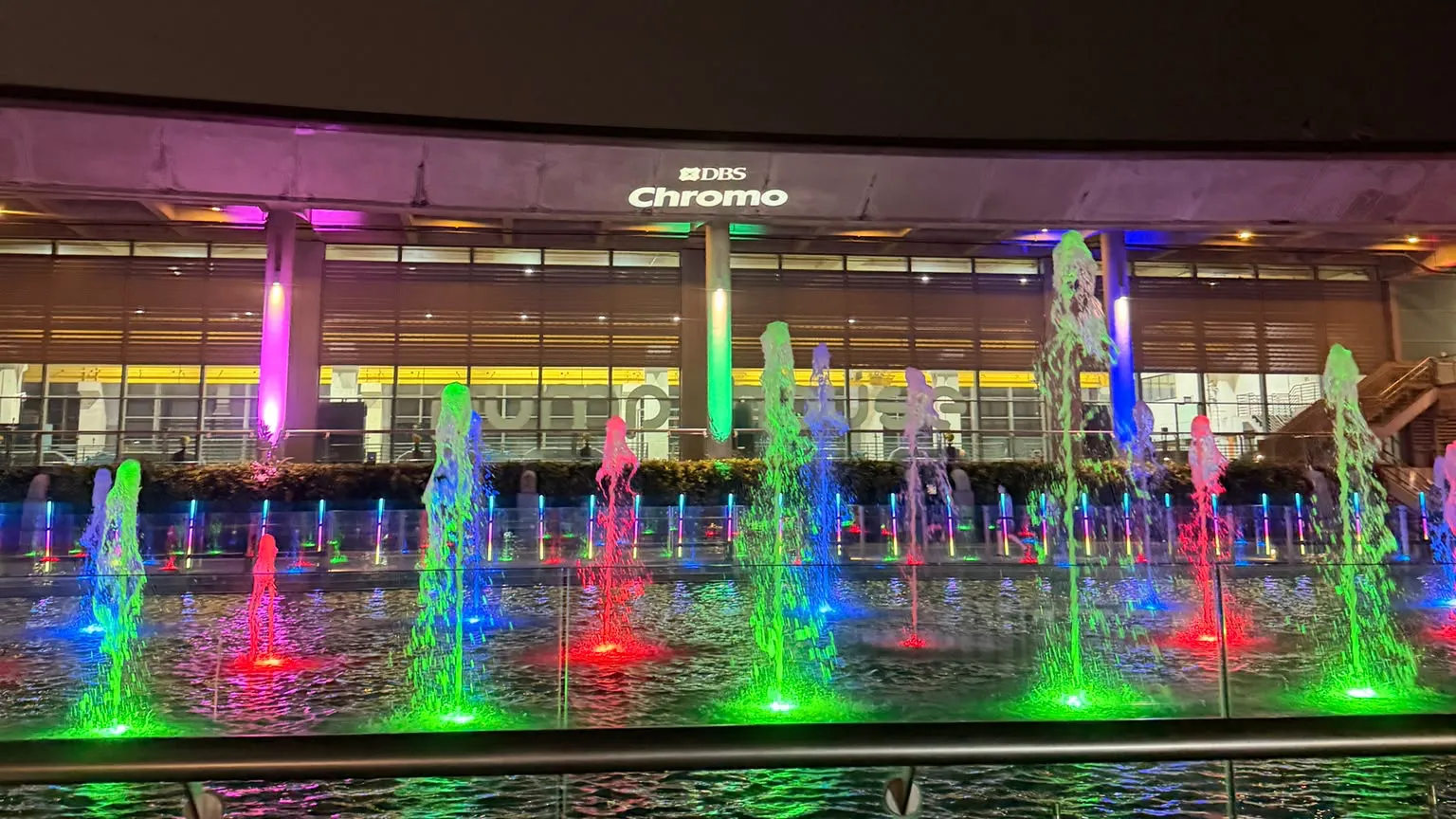
- Brand marks on walls, floors, ceilings or architectural surfaces.
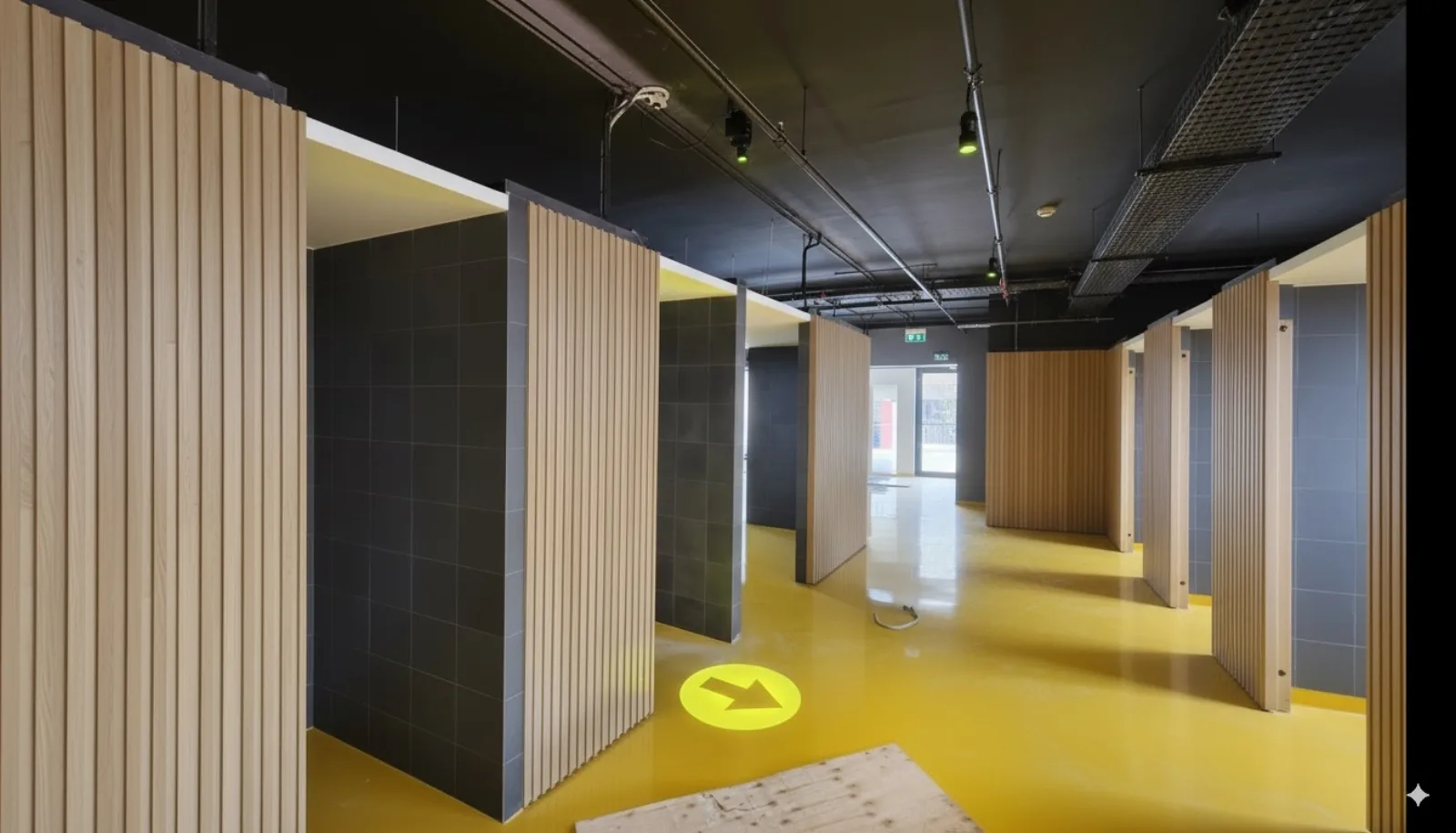
- Directional prompts and wayfinding arrows where the path and viewing direction are clear.
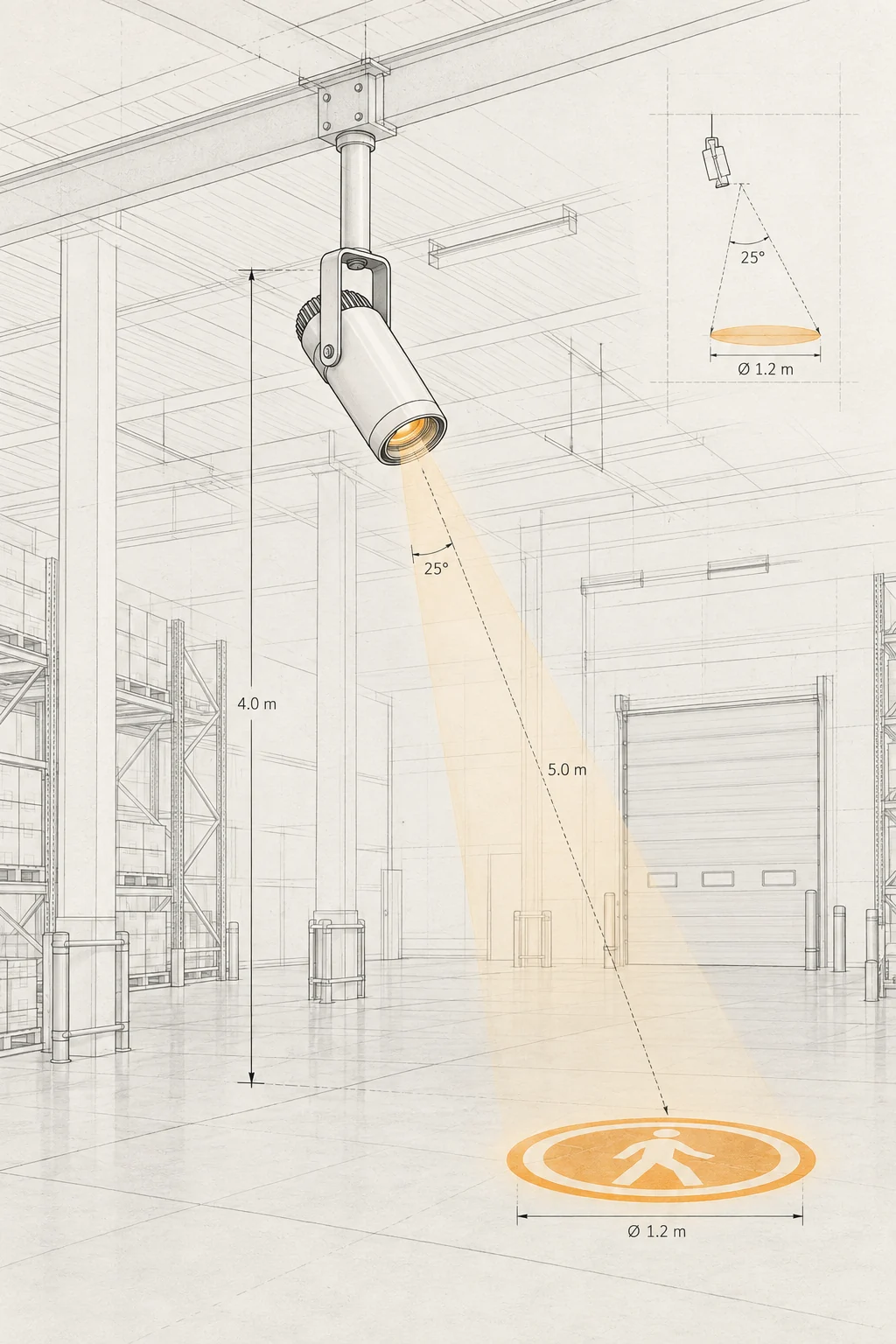
- Operational cues in loading bays, factories or carparks where the projected location can be kept clear and reviewed by the site team.
- Event, retail and hospitality applications where a changeable image or temporary installation is useful.
Define the projection brief
- Confirm the artwork, message, language, contrast and whether it is static or needs to change.
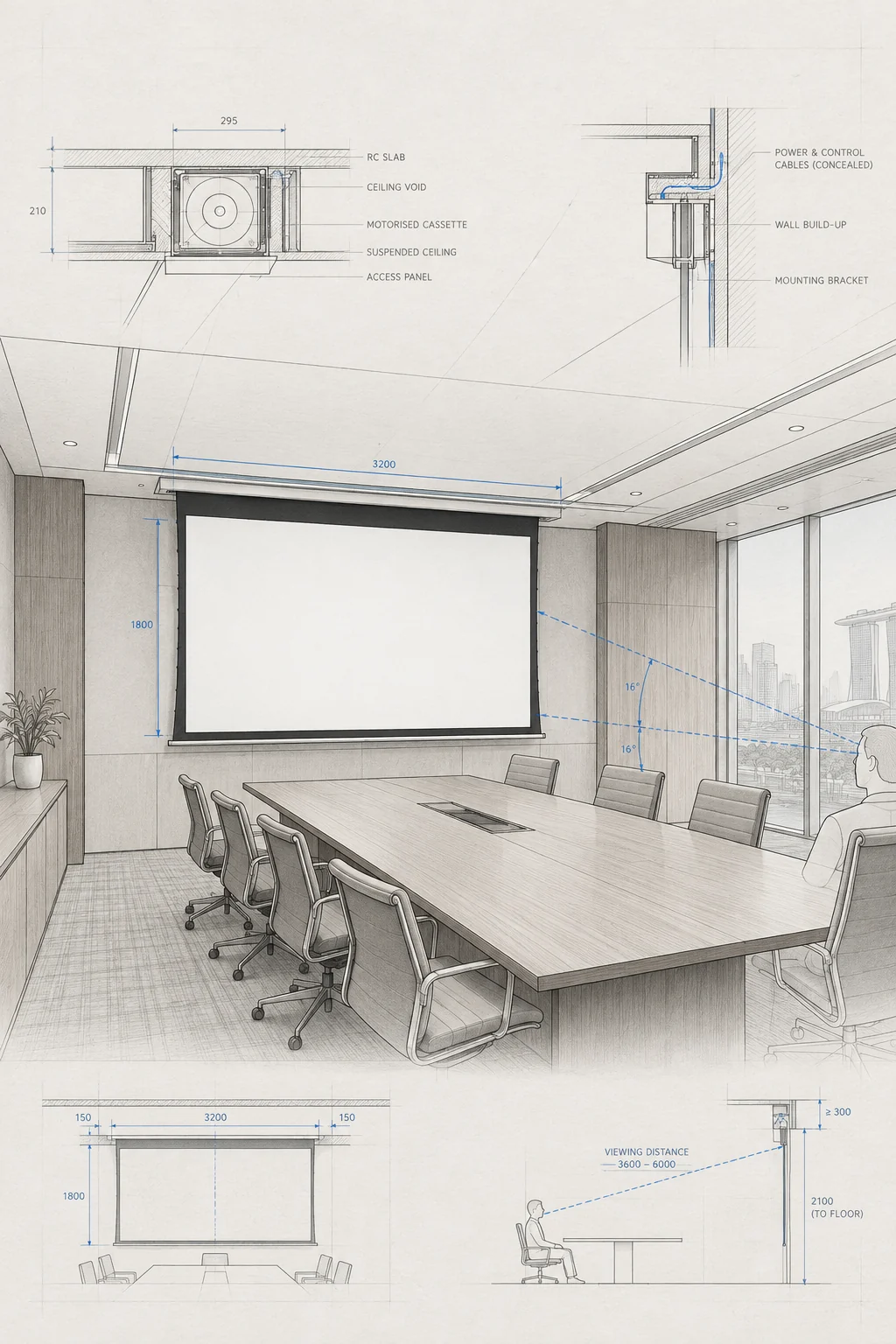
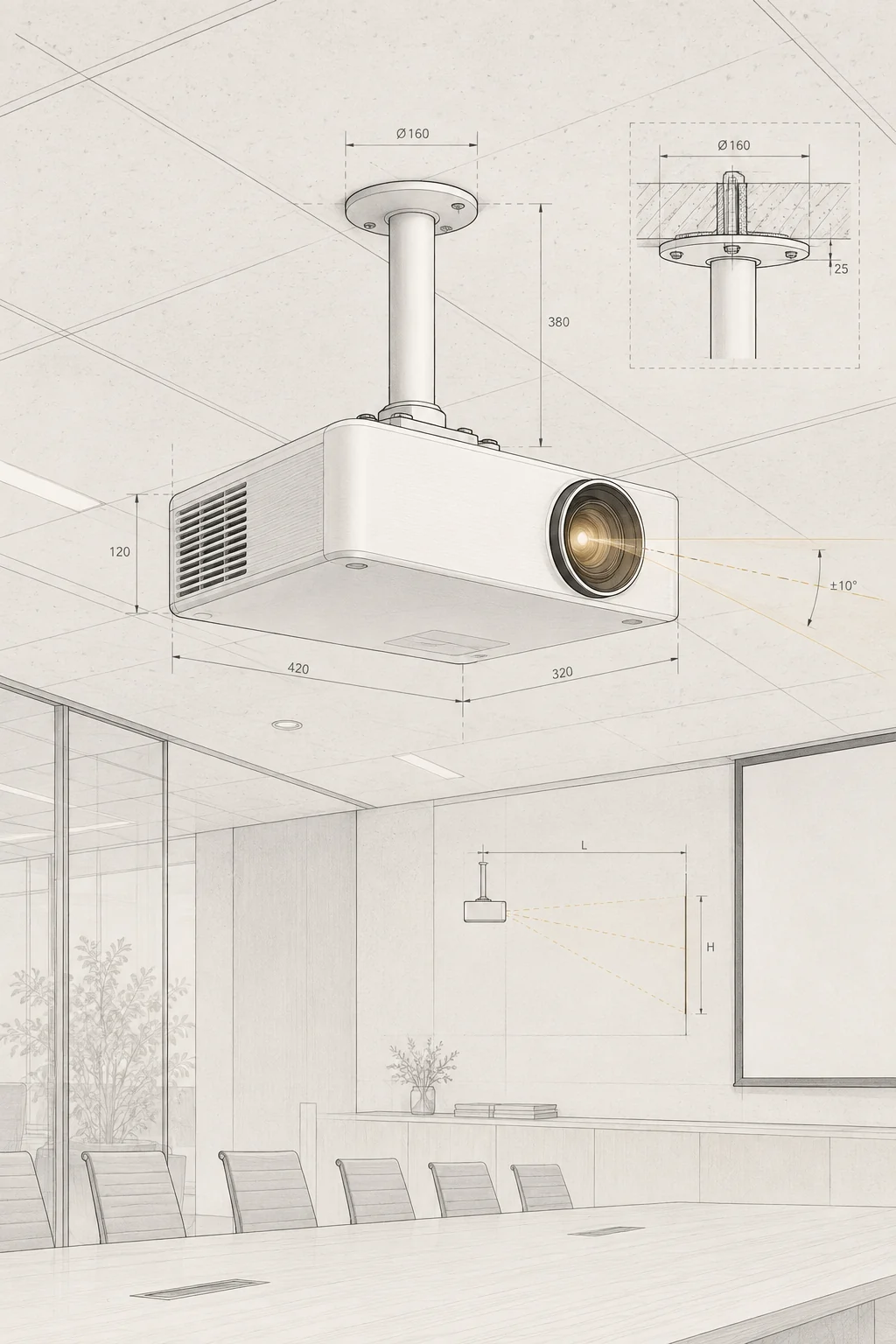
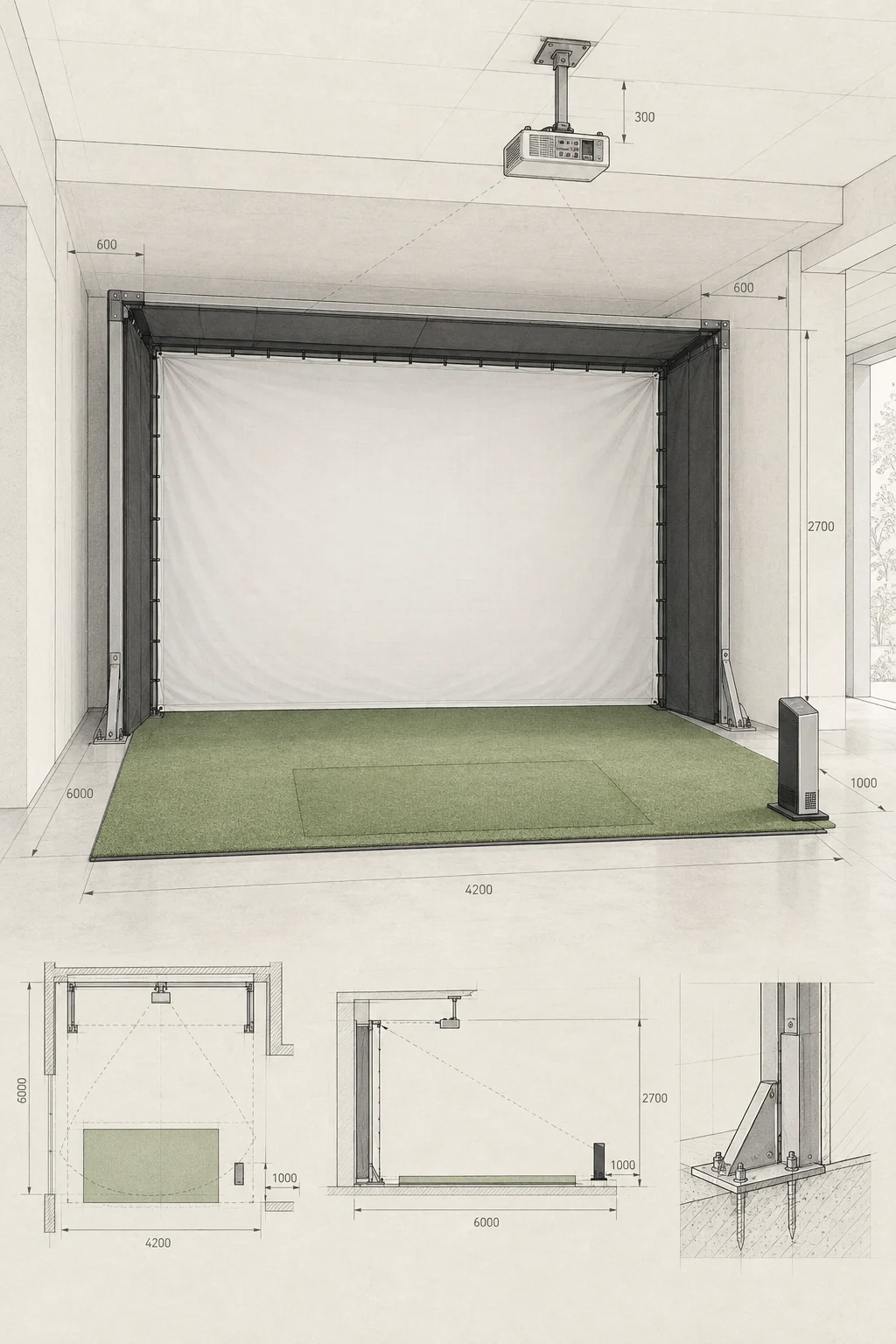
- Measure the target surface, image width, throw distance, viewing direction and focus plane.
- Record surface colour, texture, reflectivity, obstructions and competing light.
- Confirm operating hours, access, mounting point, power, ventilation and service route.
- Confirm the projector, lens, documented light output and environmental rating for the location.
Treat safety cues as one layer
A projected STOP sign, arrow or hazard graphic can be one visual cue in a wider site plan. It does not replace compliant signs, barriers, traffic controls, lighting, procedures, training, supervision or a formal risk assessment. Where vehicles, pedestrians or public access are involved, the site safety owner must approve the use and placement before installation.
Measure before claiming impact
A public source or photograph can establish that a projection was shown, but it does not by itself prove visibility in every condition, reduced incidents, improved engagement, durability, maintenance savings or marketing impact. Publish those outcomes only when they are measured, permission-cleared and tied to the actual model and site.
Permissions and evidence checklist
- Confirm ownership or permission for every logo, photograph, illustration, message and venue image.
- Confirm customer, venue and landlord approval for the surface and mounting position.
- Record the model, lens, mounting, image size, light conditions and commissioning checks.
- Keep a safety review for applications near vehicles, pedestrians, machinery or public circulation.
- Add a measured, permission-cleared result or state clearly that outcome data is unavailable.
Original public post checked 2026-09-18; safety outcomes, durability and visibility claims are not reused without independent evidence.
Original public post checked 2026-09-18; broad cost and impact claims are rewritten as application and permission checks.
Keep planning.
Discuss an application
Share the artwork, surface, distance, light, operating environment and location details.
Discuss an application